

KeepHi 101
We made these how-to guides to support your creative journey.

set up KeepHi
- Plug in your KeepHi near a strong Wi-Fi signal.
- Follow the adult set-up prompts shown on the device.
- Connect to your home Wi-Fi and confirm the on-screen set-up code.
- Make a quick test print before handing KeepHi to a child.
reset your KeepHi
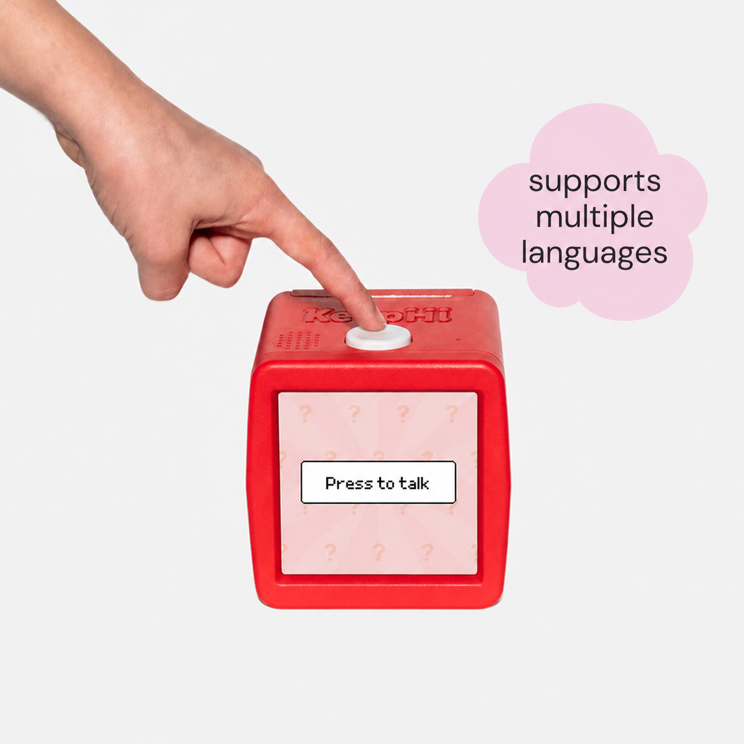
- Hold the white button down.
- Unplug and reconnect the device while continuing to hold the button.
- Release the button after the screen starts back up, then follow the connection prompts again.
how to load paper rolls
KeepHi arrives ready to print. When it is time for a new compatible roll, have an adult open the paper compartment, place the roll with the printable side facing the print head, pull a short straight edge through the opening, and close the door gently.

Does your model look different? Do not force the panel or overtighten any fastener. Send us a photo and we’ll guide you.
How to tear your print
get support
For more help with KeepHi, visit our FAQ page. If you have another question or run into an issue, use our contact form and we’ll be happy to help.
