


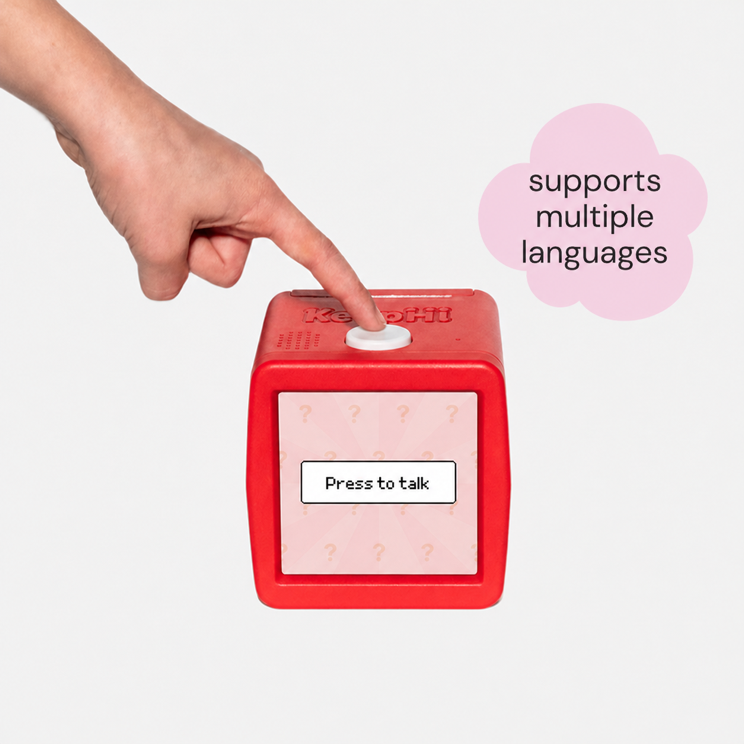
SAY IT
Use a playful prompt without names, addresses, school details, or other personal information.
Setup, paper, printing, privacy, and orders—find the useful answer without digging.
KeepHi is a voice-powered thermal creativity printer. Describe an idea, generate a printable design, then color, share, or collect the result.
Have the device, a compatible KeepHi paper roll, power, and your home Wi-Fi details ready. An adult should complete initial setup and supervise use.
See the step-by-step KeepHi 101 guide.
Confirm the device is powered, close to the router, and using a compatible home Wi-Fi network. Restart the device and router, then repeat setup. If the problem continues, contact support.
Our KeepHi 101 page contains the current setup, reset, paper-loading, and tearing guides in one place.
KeepHi can be used for shared family or group activities with adult guidance. Avoid placing personal information in prompts, and use age-appropriate supervision for each participant.
No ink or toner cartridge is required. KeepHi uses thermal printing technology and compatible thermal paper.
Use compatible KeepHi paper rolls for the intended fit and print performance. Available refills are listed in the shop.
Open the paper compartment, place the roll so the printable side feeds toward the output slot, pull a short edge through, and close the cover firmly. An adult should handle loading.
Watch the media guide on KeepHi 101.
Check that the roll is facing the correct direction and that the cover is fully closed. Thermal paper prints on one side, so reverse the roll if the output is blank. If the problem continues, stop using the device and contact us.
Keep rolls sealed until needed and store them in a cool, dry place away from heat, direct sunlight, moisture, oils, and solvents.
Yes. KeepHi is a family product and should be set up and used with age-appropriate adult supervision. Keep paper, packaging, cables, and small craft supplies away from very young children.
Teach children not to include names, addresses, school details, phone numbers, or other personal information in prompts. Read our Safety and Privacy Policy pages together.
No. Adults should review how the product is used, choose age-appropriate activities, and stop use if the device, cable, or paper compartment appears damaged.
The store’s current disclosures and request process are on the Privacy Policy page. For a question about your own information, use the contact form.
Use the tracking link in your shipping-confirmation email or sign in to My Account.
Read Delivery & Returns, then use our contact form with your order number and a short description of the issue.
Contact us as soon as possible. We will try to help, but changes and cancellations cannot be guaranteed after fulfillment begins.
Contact us within seven days with the order number and clear photos of the item and packaging. Keep all packaging while the request is reviewed.
If international shipping is offered, checkout shows the shipping charge. Customs duties, import taxes, and local fees may be collected separately by the destination country unless checkout states otherwise.
No matching answer yet. Try another word or send us a message.
HAVE ANOTHER QUESTION?
Send the product or order detail that matters, and our team will route your question to the right place.
SAFE PLAY
Three simple moments keep imagination hands-on, thoughtful, and ready to share.
Use a playful prompt without names, addresses, school details, or other personal information.
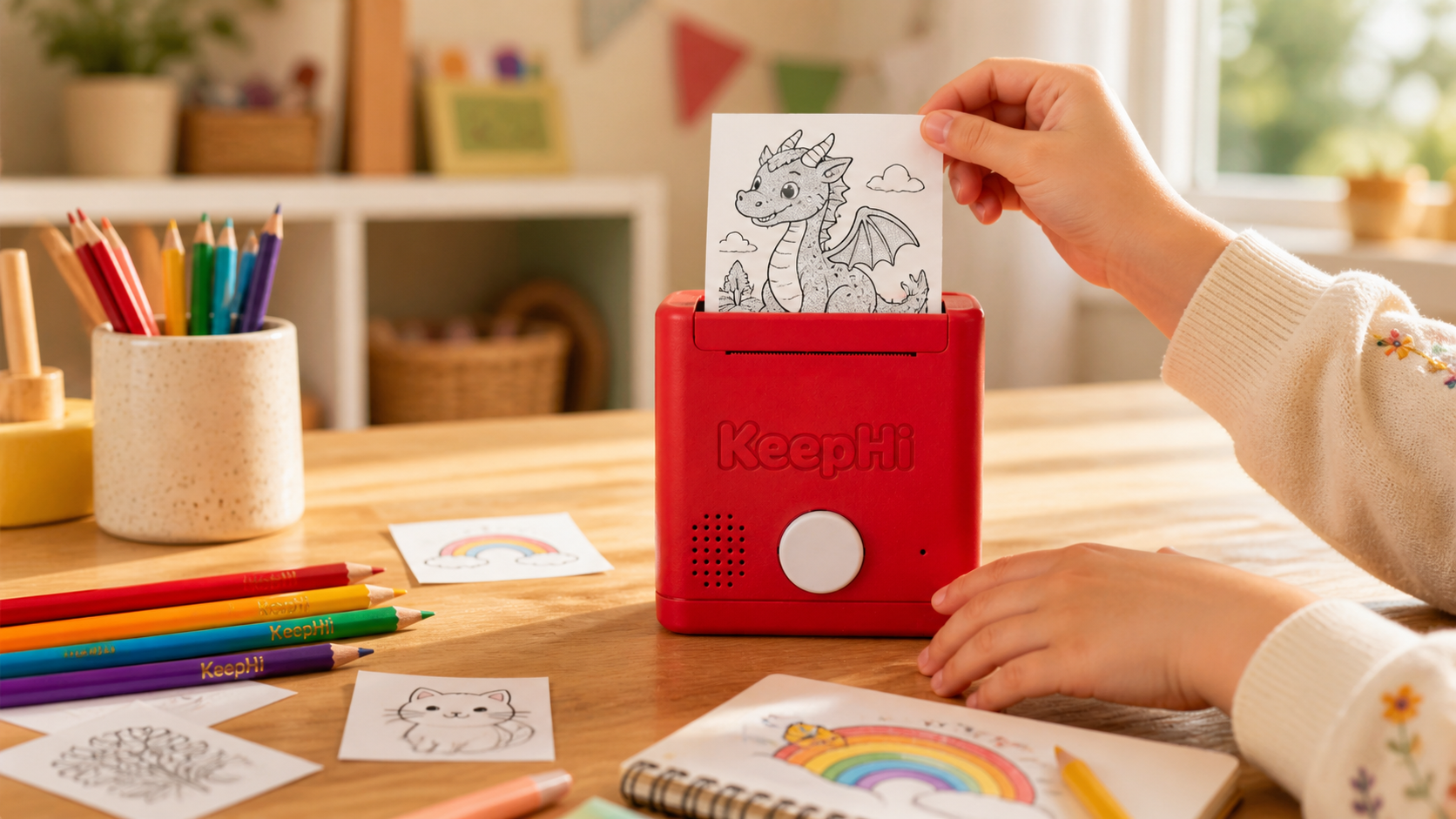
Let an adult set up the device, load paper, clear jams, and handle the print area.
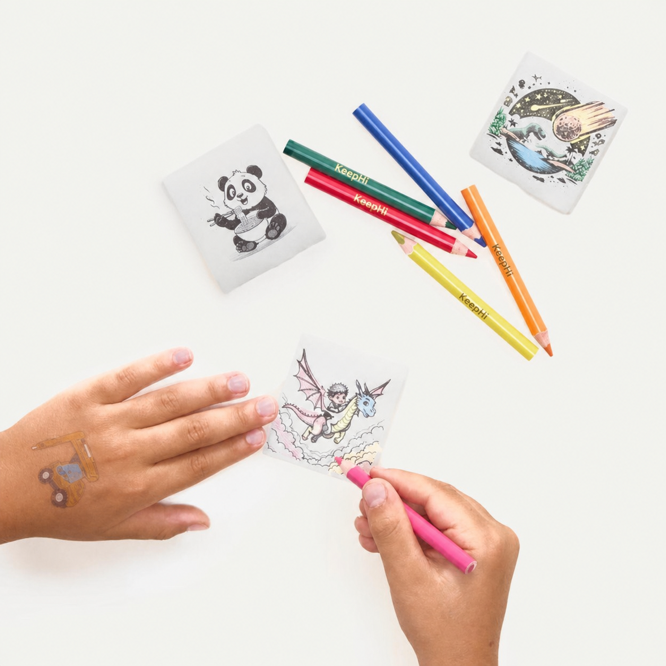
Color, collect, gift, or turn the print into the beginning of a bigger activity.
